
Stop adjusting your screen in public. PALO Privacy Filters ensure screen privacy, reduce distractions, and improve focus in hybrid work.
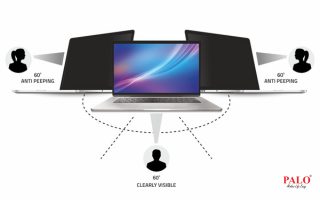
Working from home. Working from cafés. Working from offices.
Hybrid work sounds flexible — and it is.
But there’s one small habit most professionals have silently adopted:
Constantly adjusting their screen.
Tilting your laptop when someone walks by.
Lowering brightness in public spaces.
Shifting angles during meetings.
Minimizing screens quickly when someone passes your desk.
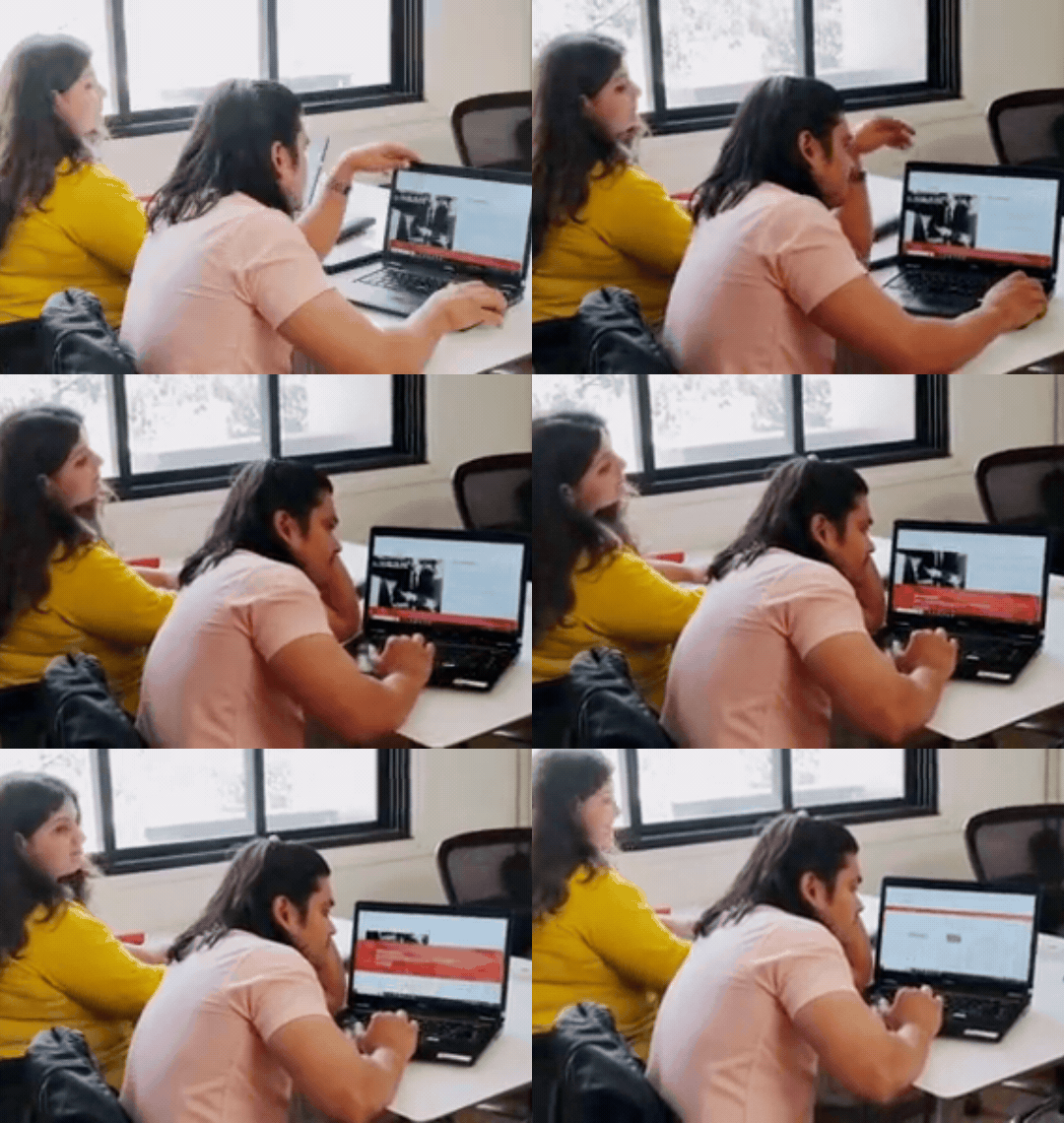
You’re not alone.
But here’s the truth — this isn’t productivity. It’s discomfort.
We’ve normalized this behavior so much that we don’t even question it anymore.
But over time, it adds up:
In a hybrid work culture, your workspace keeps changing.
Your privacy shouldn’t have to.
Whether you're:
Your screen is your workspace.
And in open offices, co-working spaces, airports, or even at home —
Your data is more visible than you think.
Instead of constantly reacting to your environment,
what if your setup worked for you?
That’s where PALO Privacy Filters (PF) come in.
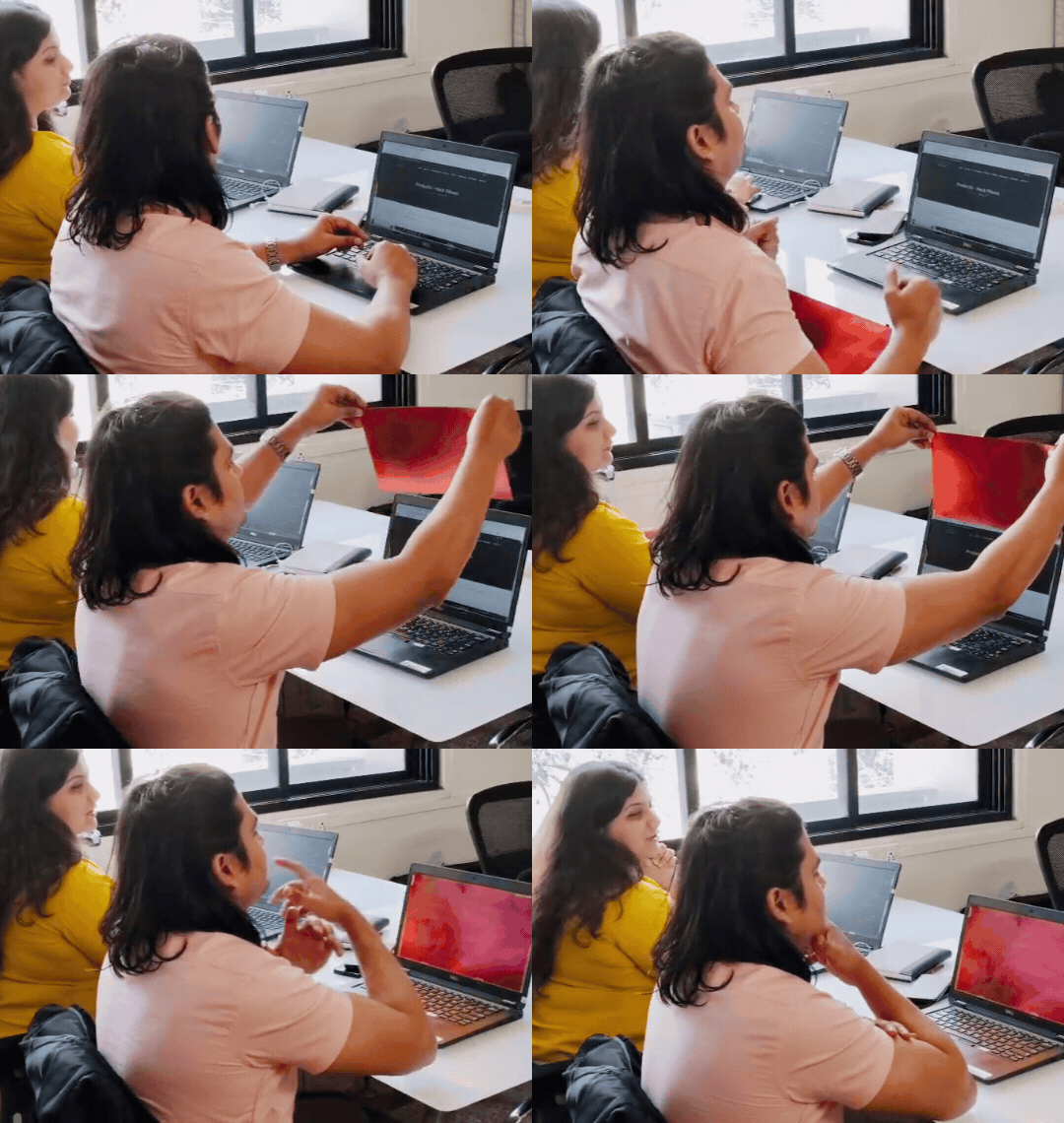
A privacy filter is a simple screen accessory that limits the viewing angle of your laptop or monitor.
No more tilting. No more hiding.
Just uninterrupted work.
Work freely in cafés, flights, or shared spaces without worrying about prying eyes.
No distractions. No constant adjustments. Just a steady workflow.
Many privacy filters also help reduce glare and harsh light exposure.
Handle sensitive work without hesitation — wherever you are.
Hybrid work isn’t going anywhere.
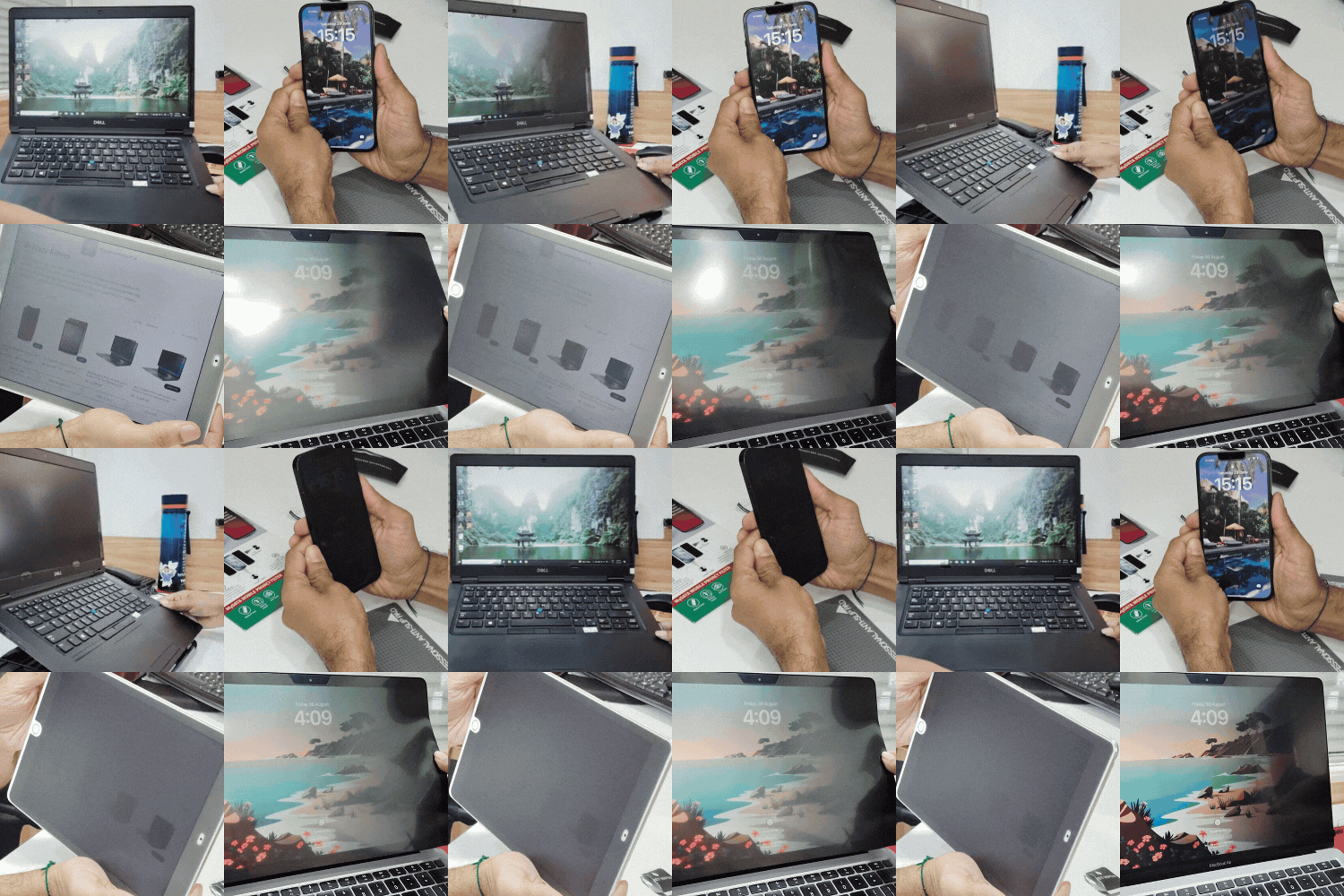
And your tools need to match that flexibility.
PALO Privacy Filters are designed to:
Whether you're in a boardroom or a coffee shop —
your screen stays yours.
You don’t have to keep adjusting your screen.
You don’t have to compromise your comfort.
You don’t have to worry about who’s watching.
Because this isn’t a habit you need to manage —
it’s a problem you can fix.
Make your workspace truly yours — no matter where you are.
Because real productivity starts when you stop adjusting
and start working without interruptions.